Getting started
Create your account
Sign up in under a minute with Google or your email address.
Last updated July 4, 2026
You can create your Provision Planner account on the web at app.provisionplanner.com or inside the iPhone and Android apps. One account works everywhere.
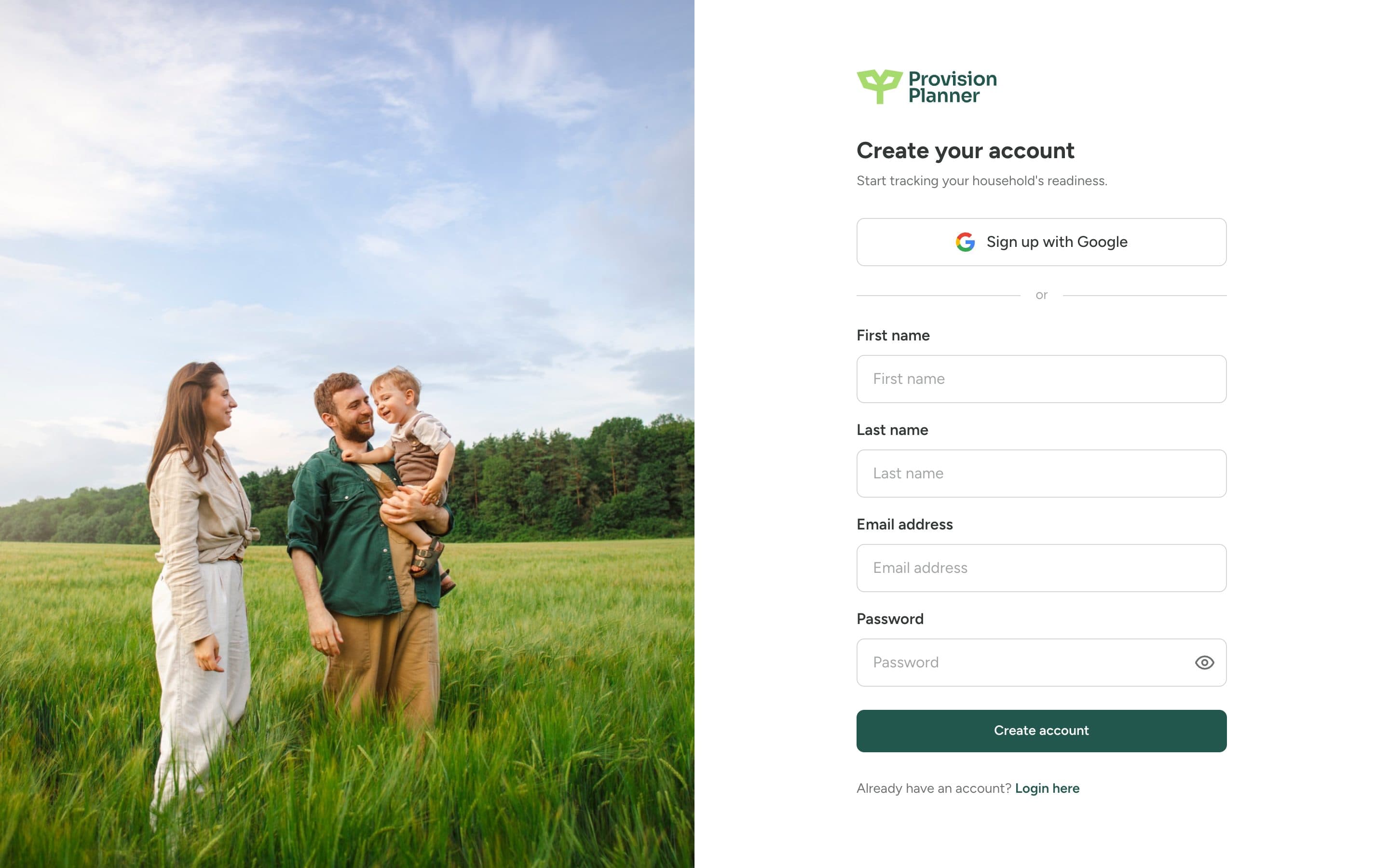
Sign up
Go to the signup page
Visit app.provisionplanner.com/signup, or open the mobile app and tap Sign up.
Choose Google or email
Sign up with Google in one tap, or enter your name, email address, and a password.
Answer the welcome questions
We ask a few quick questions about your household so your numbers are accurate from day one. You can change any answer later in Settings.
Tip
If you sign up with Google, you won't have a separate password to remember. You can always sign in with the same Google account on any device.
Why we ask about your household
How long your supplies would last depends on who they're feeding. Two adults and a toddler go through food and water very differently than one person. Your household answers power every readiness number in the app, so it's worth getting them right. See Set up your household.
Forgot your password?
Use the "Forgot password" link on the login page and we'll email you a reset link. If the email doesn't arrive within a few minutes, check your spam folder.