Scenarios
Create a scenario
Test your supplies against a realistic situation, from a template or your own imagination.
Last updated July 4, 2026
Scenarios answer the question your supplies list can't: "would we actually be okay?" Pick a situation and a duration, and the app evaluates your real inventory against it.
Start from a template
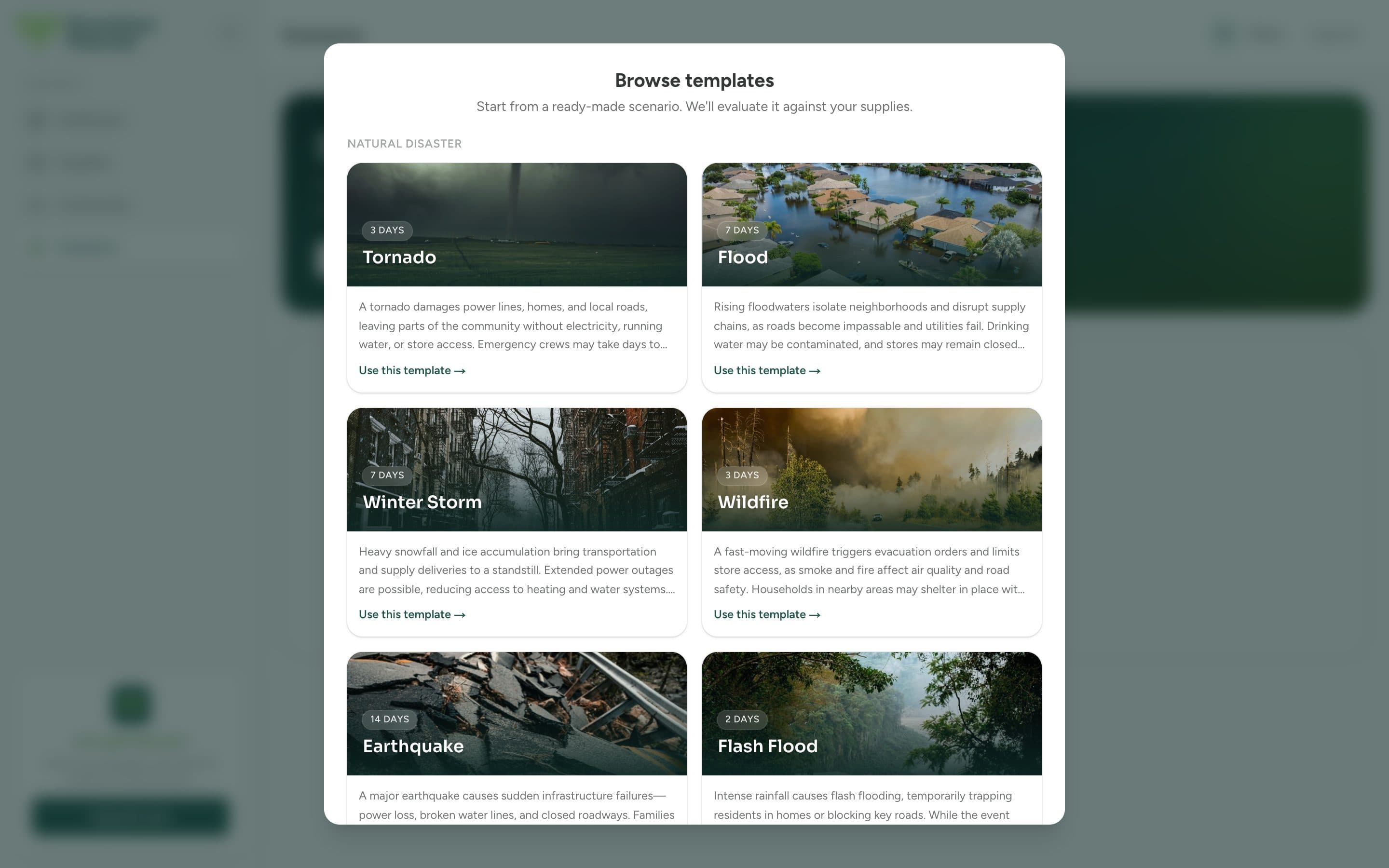
The fastest way in is a ready-made template: tornado, flood, winter storm, wildfire, earthquake, and more, each with a realistic default duration.
Open Scenarios
Choose Scenarios in the sidebar.
Browse templates
Click Browse templates and pick the situation that worries you most.
Use this template
The scenario is created and evaluated against your current supplies.
Or describe your own
Click Create a scenario to write your own situation: how long it lasts and what it looks like for your household. The app evaluates your supplies against exactly what you describe, so you can test the situations specific to where you live.
Note
Free accounts include 2 scenarios. Premium members can create unlimited scenarios. See Premium.